Sunday, 5 April 2015

Uses of Computers
Since we have identified places were computer can be used, lets discuss about uses of computerUses of Computer:
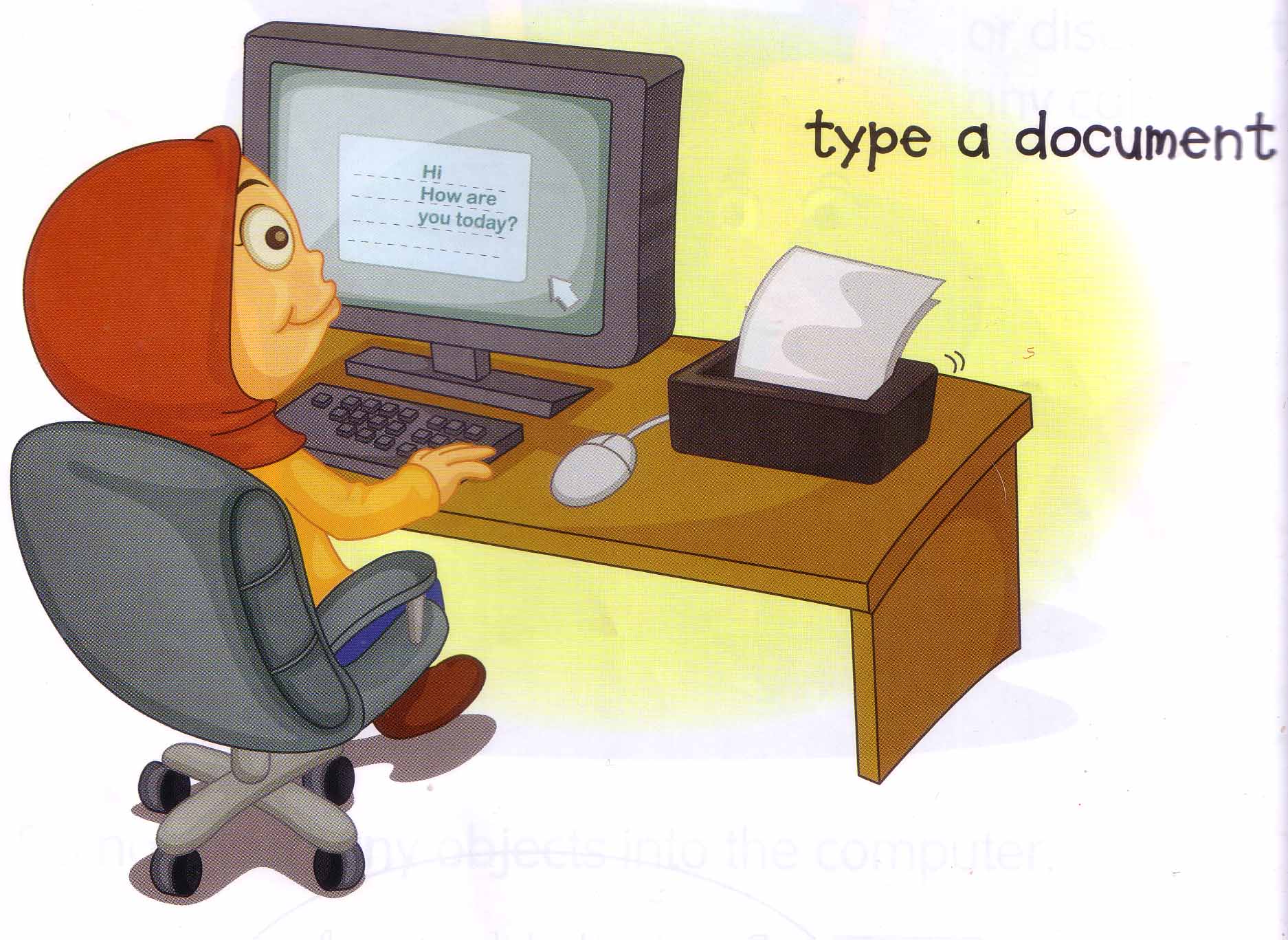
- A computer helps you to type a document.
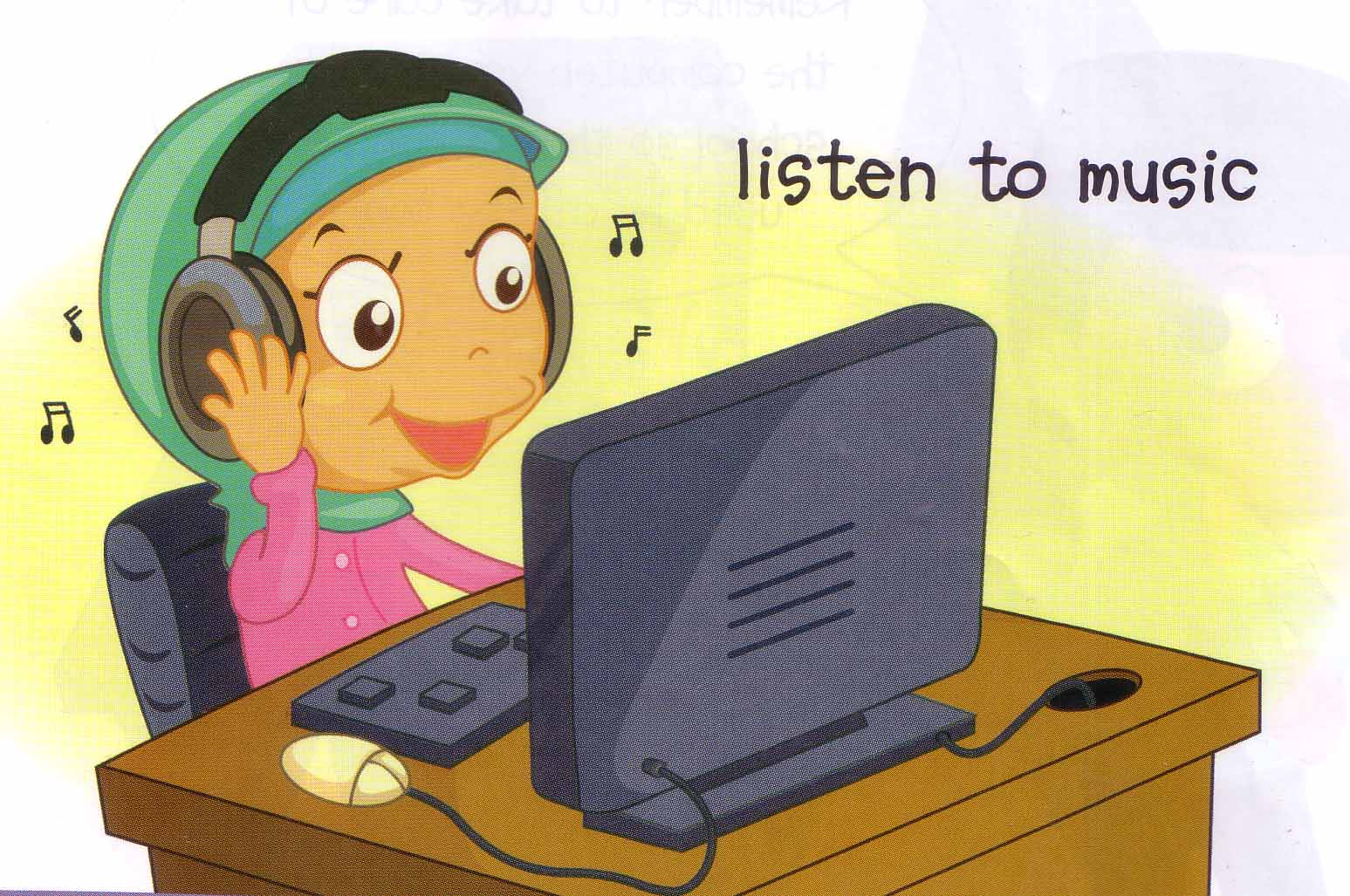
2. A computer helps you to listen to music.
3. A computer helps you to use the internet.

4. A computer helps you to send e-mail.

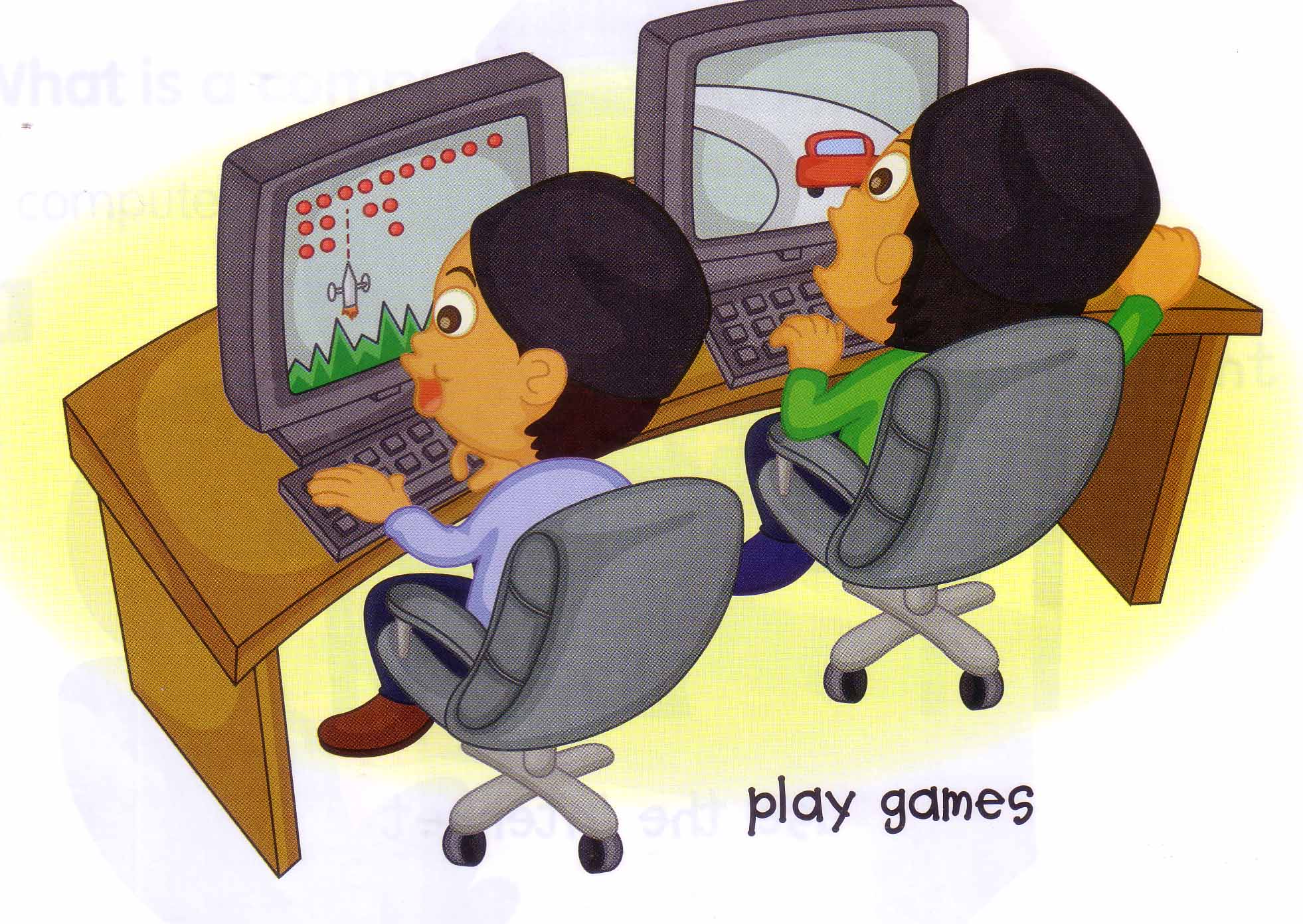
5. A computer helps you to play games.
6. A computer helps you to draw a picture.

7. A computer helps you to watch a movie.

8. A computer helps you to chat with a friend.

Pictures taken from:
Discovering ICT Year 1 Textbook, First Published 2009, Printed by Colours Pte Ltd, Singapore
https://ict123.wordpress.com/topics/introduction-to-a-computer/uses-of-computer/
Tuesday, 31 March 2015
Saturday, 26 July 2014
Computer Application: Spreadsheet
Spreadsheet
Alternatively referred to as a worksheet, a spreadsheet is a data file made up of rows and columns that are used to sort data and allow a user to manipulate and arrange data easily, commonly numerical data. What makes a spreadsheet software program most unique is its ability to calculate values using mathematical formulars and the data in the cell. A good example of how a spreadsheet may be used is creating an overview of your bank's balance. Below is a basic example of what a Microsoft spreadsheet looks like as well as all the major portions of a spreadsheet highlighted.

Sunday, 6 April 2014
hello Kids, Today we are discussing on the types of popular application packages that we have;
1. word processor packages
2. spread sheet packages
3. presentation packages
4. desktop publishing packages
5. database management packages
6. banking packages
7. accounting packages
8. entertainment packages
9. education packages
10.web application packages etc
1. Word Processor Packages :
A Word Processing package is an application software that allows the user of a computer to; check for spelling errors, import texts and graphics, create tables, insert diagrams and also has macro languages that are useful for complex applications. it is use to type most of how reports, letters, documents, etc.
 Functions of word processor packages
1. Creating Documents
2. Editing
3. Sharing
4. Comparing
5. web pages
Advantages of word processor packages
1. corrections can be made easily to your work
2. you can save the work and come back later to edit it as many time as you can.
3. you can add features such as page borders, colour, page numbers, text layout etc.
4. you can make use of the tools such as spellchecks, grammar checks to improve your work
5. there are large number of different template available for use.
6. you can create import data from database and spreadsheet packages and it is use to create mail merge.
Disadvantages
1. you need to have access to a computer installed with a word processor before you can use it
2. it takes time to learn it effectively
3. so times pen and paper are faster
4, it makes people lazy in proof reading their work and to check for grammatically errors.
Examples of word processor
1. Open Office
2. Corel WordPerfect
3. Microsoft Word
4. Word Pad
5. Pages
6. Google Docs (word)
Functions of word processor packages
1. Creating Documents
2. Editing
3. Sharing
4. Comparing
5. web pages
Advantages of word processor packages
1. corrections can be made easily to your work
2. you can save the work and come back later to edit it as many time as you can.
3. you can add features such as page borders, colour, page numbers, text layout etc.
4. you can make use of the tools such as spellchecks, grammar checks to improve your work
5. there are large number of different template available for use.
6. you can create import data from database and spreadsheet packages and it is use to create mail merge.
Disadvantages
1. you need to have access to a computer installed with a word processor before you can use it
2. it takes time to learn it effectively
3. so times pen and paper are faster
4, it makes people lazy in proof reading their work and to check for grammatically errors.
Examples of word processor
1. Open Office
2. Corel WordPerfect
3. Microsoft Word
4. Word Pad
5. Pages
6. Google Docs (word)
 Functions of word processor packages
1. Creating Documents
2. Editing
3. Sharing
4. Comparing
5. web pages
Advantages of word processor packages
1. corrections can be made easily to your work
2. you can save the work and come back later to edit it as many time as you can.
3. you can add features such as page borders, colour, page numbers, text layout etc.
4. you can make use of the tools such as spellchecks, grammar checks to improve your work
5. there are large number of different template available for use.
6. you can create import data from database and spreadsheet packages and it is use to create mail merge.
Disadvantages
1. you need to have access to a computer installed with a word processor before you can use it
2. it takes time to learn it effectively
3. so times pen and paper are faster
4, it makes people lazy in proof reading their work and to check for grammatically errors.
Examples of word processor
1. Open Office
2. Corel WordPerfect
3. Microsoft Word
4. Word Pad
5. Pages
6. Google Docs (word)
Functions of word processor packages
1. Creating Documents
2. Editing
3. Sharing
4. Comparing
5. web pages
Advantages of word processor packages
1. corrections can be made easily to your work
2. you can save the work and come back later to edit it as many time as you can.
3. you can add features such as page borders, colour, page numbers, text layout etc.
4. you can make use of the tools such as spellchecks, grammar checks to improve your work
5. there are large number of different template available for use.
6. you can create import data from database and spreadsheet packages and it is use to create mail merge.
Disadvantages
1. you need to have access to a computer installed with a word processor before you can use it
2. it takes time to learn it effectively
3. so times pen and paper are faster
4, it makes people lazy in proof reading their work and to check for grammatically errors.
Examples of word processor
1. Open Office
2. Corel WordPerfect
3. Microsoft Word
4. Word Pad
5. Pages
6. Google Docs (word)
Sunday, 30 March 2014
Welcome Back,
I will discuss about the Humanware but pay more emphasis on careers in the Computer Field.
The Humanware are the people that uses the computer, they are the end users who uses the computer for productivity in their different fields. The are the computer operators, secretaries, doctors, lawyers, clerks, programmers etc. In fact all the people that computers are involved in one way or the other in the area of their work.
There is an important part of the computer humanware that I want to talk about, the computer specialists and this will brings us to career in the computer field.
As we learn all these I believe it will help you kids in the choice of your career in future in the IT field.
Requirements
For you to have a career in Computer, you must have the following requirements
1. Minimum of 5 O level credit in English, Mathematics, Physics, and any two from Chemistry/ Biology/ Economics/Geography. (Nigerians only, check the equivalent in your own country's educational sites)
2. You must have finished a 4 year course in computer Science from any reputable university or polytechnic.
Computer science graduates work in traditional high technology companies (IBM, Raytheon, EMC, Sun, Cisco, Microsoft, RSA, etc.) and numerous startups, but also work to bring you better services: finance, consulting and insurance (Fidelity, Mass Mutual, State Street Bank, Keane, SAS, Peoplesoft, PricewaterhouseCoopers, Accenture, KPMG, Lehman Brothers); information and communications (Google, Yahoo, Akami, Verizon, Comcast, Motorola, AT&T, Alcatel ); healthcare, medical devices and pharmaceuticals (Partners Healthcare, Boston Scientific, Abbott Laboratories, Merck & Co., Allergan); assisting people (iRobot, Kurzweil, Staples, etc.); marketing and sales (eBay, Amazon, Orvis, etc.); entertainment and hospitality (media companies, travel agents, hotels, airlines).



I will discuss about the Humanware but pay more emphasis on careers in the Computer Field.
The Humanware are the people that uses the computer, they are the end users who uses the computer for productivity in their different fields. The are the computer operators, secretaries, doctors, lawyers, clerks, programmers etc. In fact all the people that computers are involved in one way or the other in the area of their work.
There is an important part of the computer humanware that I want to talk about, the computer specialists and this will brings us to career in the computer field.
As we learn all these I believe it will help you kids in the choice of your career in future in the IT field.
Requirements
For you to have a career in Computer, you must have the following requirements
1. Minimum of 5 O level credit in English, Mathematics, Physics, and any two from Chemistry/ Biology/ Economics/Geography. (Nigerians only, check the equivalent in your own country's educational sites)
2. You must have finished a 4 year course in computer Science from any reputable university or polytechnic.
| Computer and Information Scientists, Researcher | ||
| Computer Programmers | ||
| Computer Software Engineers, Applications | ||
| Computer Software Engineers, Systems Software | ||
| Computer Support Specialists | ||
| Computer Systems Analysts | ||
| Database Administrators | ||
| Network and Computer Systems Administrators | ||
| Network Systems and Data Communications Analysts | ||
| Computer Specialists, All Other |
Welcome back kids,
Today we will be discussing about computer software in details.
A computer software is a collection of instructions that enables an end user to interact with the computer or have the computer perform specific tasks for them. Without software, the computer would be useless. For example, without your Internet browser software you would be unable to browse the Internet or read this page and without a software operating system the browser would not be able to run on your computer.
Software can be purchased at a local retail computer store and online in form of disks such as floppy diskette, CD, DVD, or Blu-ray required to install the program onto the computer, manuals, warranty, and other important documentation.
2. Application Software
Application software is a program or group of programs designed for end users. it is sometimes called app. it also allows us to perform specific tasks. Applications for desktop or laptop computers are sometimes called desktop applications, and those for mobile devices are called mobile apps. When you open an application, it runs inside the operating system which is a system software until you close it. Examples of application software are word processors such as MS word, Spread sheet such as MS Excel, Accounting Packages such as Peachtree etc.
Today we will be discussing about computer software in details.
A computer software is a collection of instructions that enables an end user to interact with the computer or have the computer perform specific tasks for them. Without software, the computer would be useless. For example, without your Internet browser software you would be unable to browse the Internet or read this page and without a software operating system the browser would not be able to run on your computer.
Software can be purchased at a local retail computer store and online in form of disks such as floppy diskette, CD, DVD, or Blu-ray required to install the program onto the computer, manuals, warranty, and other important documentation.
Software can also be downloaded to the computer over the Internet. Once downloaded the setup file can be run to start the installation of the program on your computer.
The computer software is divided into two types
1. System software
2. Application software
1. System Software
System software is a type of computer program that is designed to run a computer’s hardware and application programs. it is the interface between the hardware and user applications. The operating system is the best-known example of system software. The OS manages all the other programs in a computer. other examples are utility programs, translators, compliers, etc2. Application Software
Application software is a program or group of programs designed for end users. it is sometimes called app. it also allows us to perform specific tasks. Applications for desktop or laptop computers are sometimes called desktop applications, and those for mobile devices are called mobile apps. When you open an application, it runs inside the operating system which is a system software until you close it. Examples of application software are word processors such as MS word, Spread sheet such as MS Excel, Accounting Packages such as Peachtree etc.
Subscribe to:
Comments (Atom)